
Psiphon
Psiphon is a free and open-source internet censorship circumvention tool for Windows that connects you to blocked websites through its own network.
10.8 MB

Hiddify is a free multi-protocol proxy client for Windows that connects to servers from subscription links or configurations supplied by a provider or your own server.
Average 0.0 · ratings: 0
Thank you! Your rating is saved; you can change it. Could not save the rating. Please try again later. Too many ratings from your network today. Please try again tomorrow. The average appears after 5 ratings.
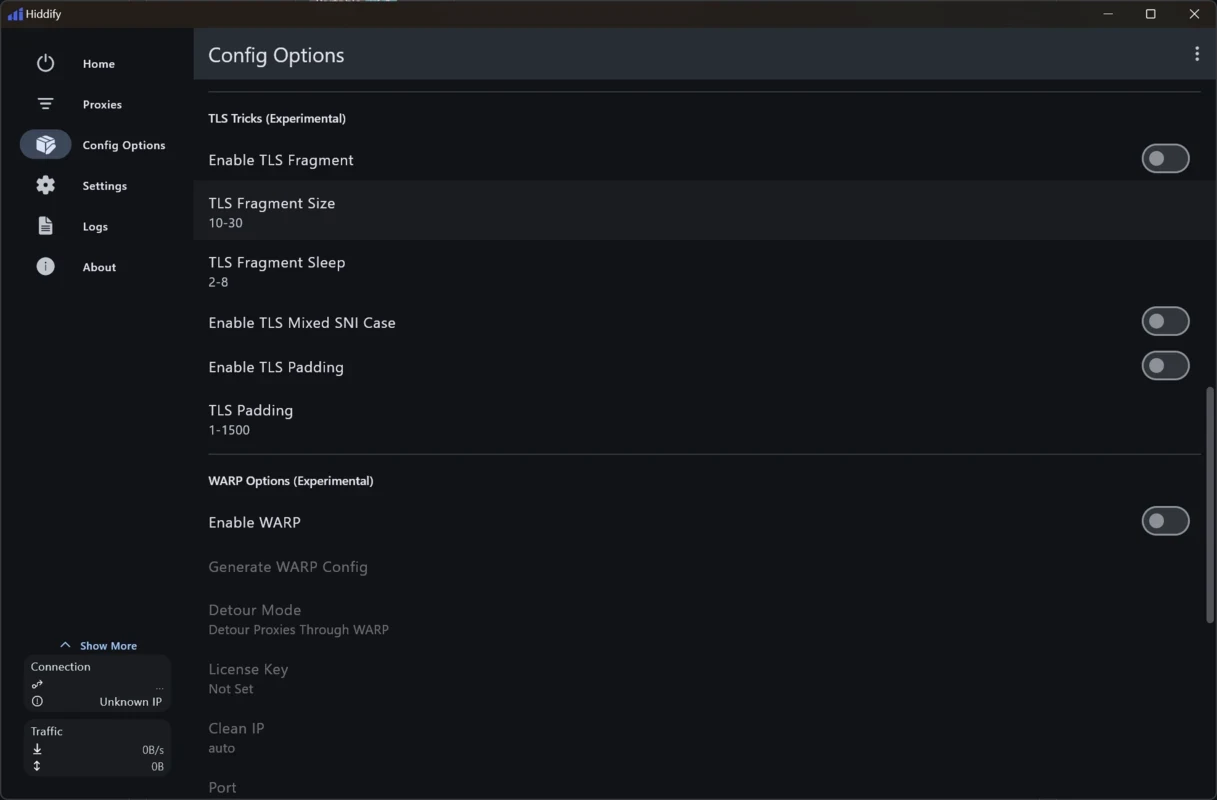


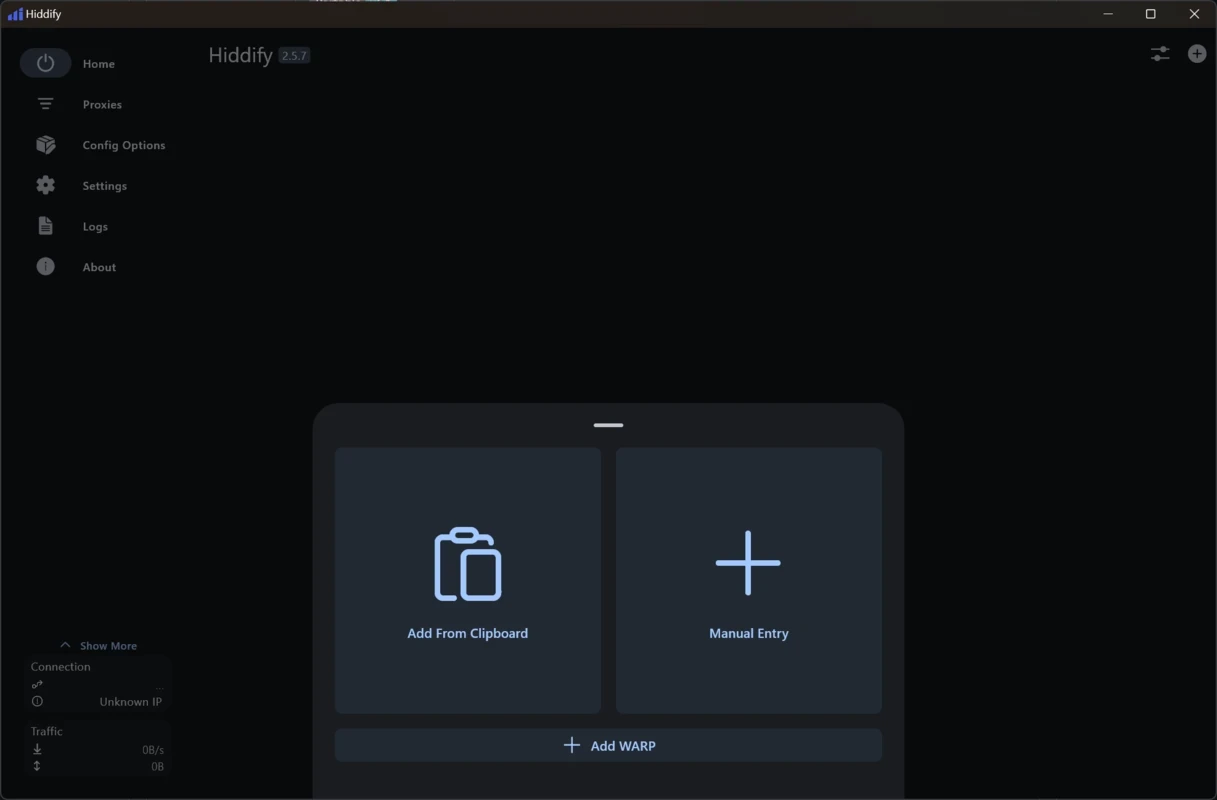
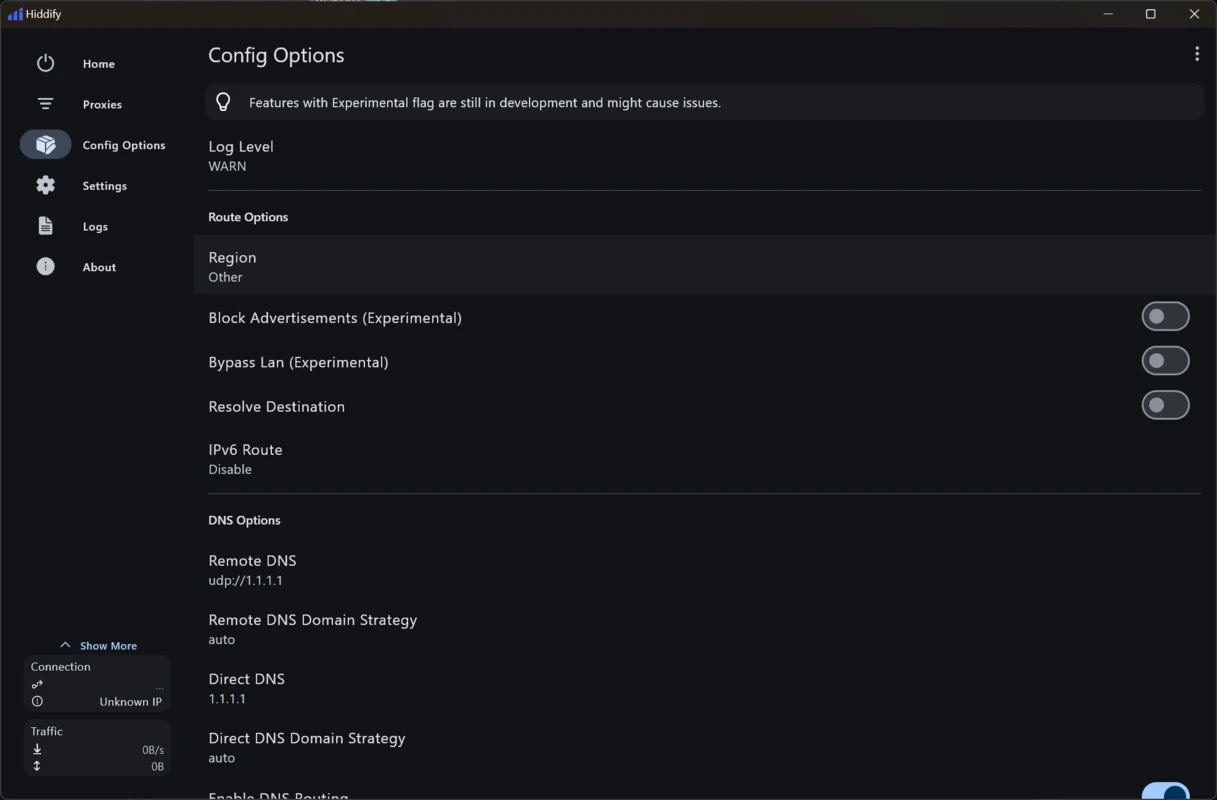
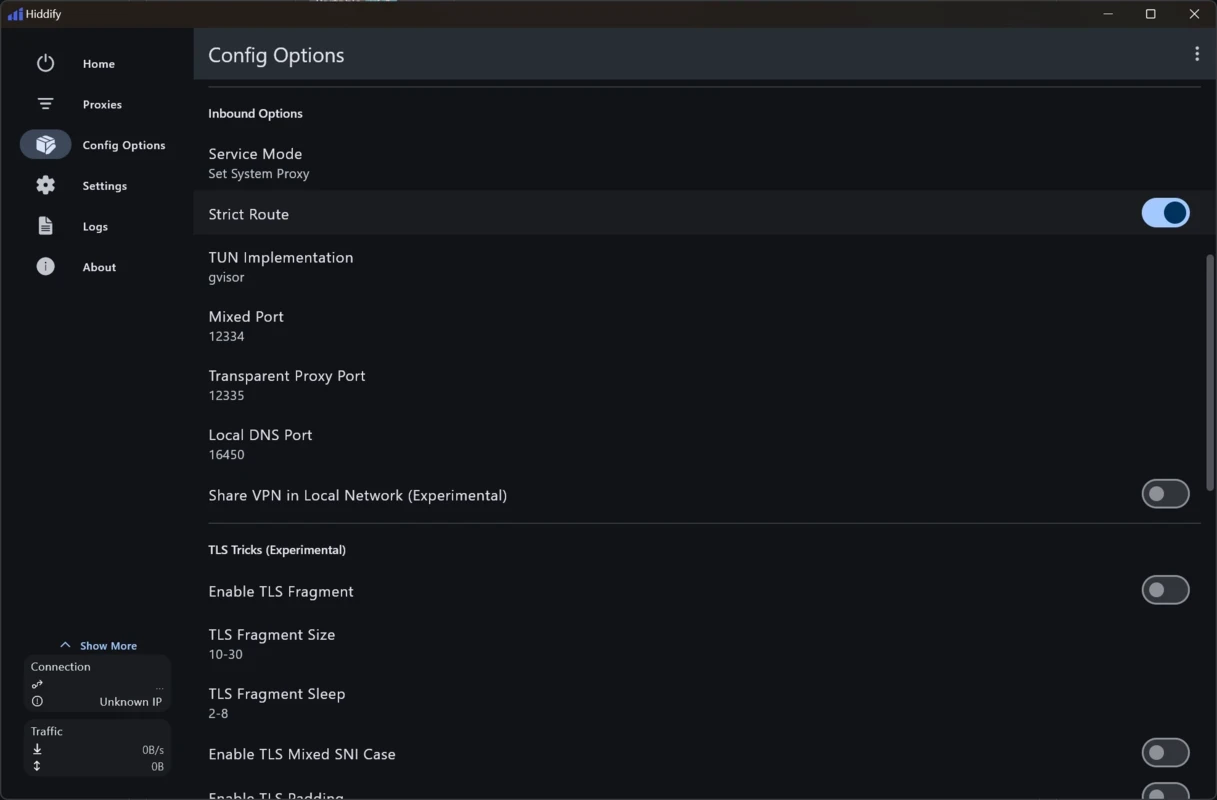

Hiddify 4.1.1 is a free proxy and VPN client for Windows from the Hiddify project. It supports a range of modern proxy protocols and connects to servers that you add through a subscription link or configuration. It does not come with its own server network. You can download Hiddify for Windows from hiddify.com or its GitHub releases.
Hiddify is designed for people who already have access to proxy servers, whether from a provider, their organisation or a server they run themselves. Such services often hand out a subscription link: a single address that contains a list of servers and all their settings. Paste it into Hiddify, and the client imports everything and lets you choose a server yourself or leave the choice to automatic mode. It suits technically curious users, small teams sharing a server, and people who want one client for several protocols instead of a different app for each. The same project also offers a server-side manager for people who host their own servers, which is where its changelog lives. Hiddify is not for someone who simply wants to buy a VPN and click connect; without a subscription or configuration, the app has nothing to connect to. And like any proxy, it moves trust to whoever runs the server, so a configuration from an unknown source can expose your traffic.
| Item | Details |
|---|---|
| Version | 4.1.1 |
| Developer | Hiddify |
| Platform | Windows (the project also offers other platforms) |
| Licence | free |
| Size | about 34.79 MB according to catalogue data |
Changes to the server-side manager are listed in the Hiddify changelog, and the project's home page is hiddify.com.
If a server does not connect, update the subscription, try another server from the list and check that the PC's date and time are correct, since encrypted protocols reject connections with a wrong clock. Only one proxy or VPN client should manage the system proxy at a time; close others before connecting.
Similar clients in our listings include v2rayN, Happ and NetMod VPN Client. For a ready-made VPN service, consider Proton VPN, Windscribe VPN or Mullvad VPN.
Psiphon is a free and open-source internet censorship circumvention tool for Windows that connects you to blocked websites through its own network.

1111 Warp VPN is Cloudflare's WARP client for Windows, which encrypts DNS and traffic between your PC and Cloudflare's network.

Turbo VPN for Windows is a VPN client from Innovative Connecting that encrypts your connection and routes it through the provider's servers.

Proxifier is a Windows program by VentoByte that sends the network traffic of any application through a proxy server, even if the app has no proxy settings.

VPN Planet is a Windows VPN client from FreeVPNPlanet with a free option, available from its website and the Microsoft Store.

Radmin VPN is a free Windows program from Famatech that connects computers over the internet into a virtual local network, for LAN games and remote access.

v2rayN is a free, open-source Windows GUI client by 2dust for Xray, v2ray and sing-box proxy servers, with subscriptions and routing rules.

Hotspot Shield is a VPN app for Windows that encrypts your internet connection and changes your virtual location.